Practice software for Philippine dental clinics
Your clinic,in the Web
Switch to paperless, seamless, effortless daily operations:
Scroll to walk in
What Flossify does.
For dental clinics
Open your clinic in the webOnline booking
Your clinic page on Find a clinic. Patients book a real open slot, or send a request, day or night.
The Dashboard: today at a glance
Who has arrived, who is waiting, who is in the chair. A calendar by chair or by dentist; drag a visit and it will not double-book.
Patient records and charting
Every tooth and surface, with health history, allergies and medicines on the record where the dentist sees them. Charting keeps working through a brownout.
Text confirmations and reminders
A text when a visit is booked and a reminder before it, sent for you.
Billing
Charges, senior and PWD discounts, payments and balances, with a printable statement. BIR invoices still come from your own registered booklet.
HMO and PhilHealth claims
Every claim logged and aged, so you can see who has been sitting on your money.
Your whole team
An account for every dentist and staff member, with the right access for each role.
Privacy, done properly
Consent recorded online and at the desk, and each clinic’s records kept apart from every other clinic’s.
For patients
Find a clinicFind a clinic
By what hurts, by area, by your HMO or PhilHealth, or by who is open now.
Book in five steps
No account, no phone call. See the price and a real time before you choose.
A text, then a reminder
Your booking confirmed by text, and a reminder before the visit.
My visits
See, confirm or cancel your visits with a code sent to your phone.
Know what is covered
A plain guide to PhilHealth’s dental benefit and HMO cards.
How it works.
For clinics
Start nowStep 1: Sign up
Name the clinic and yourself. A few minutes, no card.
Step 2: Set it up
Hours, fees, dentists and photos, one page each.
Step 3: Invite your team
Each person gets a code by text and sets a password.
Step 4: Go live
Switch on your listing. Bookings land on your Dashboard.
For patients
Find a clinicStep 1: Find a clinic
Search by what you need.
Step 2: Pick a time
A real open slot, with the price.
Step 3: Get a text
Confirmed, then reminded.
Step 4: Walk in
The desk already has you.
One price. Everything in it.
₱400a month, per clinic
Prices are not final yet. Nothing is charged until they are, and we tell you first.
Every feature, the whole team, text reminders included. Your first 30 days are free, and you need no card to start.
Start your 30 free daysA clinic with more than one branch pays ₱400 for each branch. Prices in Philippine pesos.
Included
- Online booking and your clinic page
- The Dashboard: today’s calendar and patients
- Patient records and tooth charting
- Health history and allergies
- Text confirmations and reminders
- Billing: charges, payments, statements
- HMO and PhilHealth claims tracking
- Accounts for your whole team
- Consent online and at the desk
- Works on tablet, phone and computer
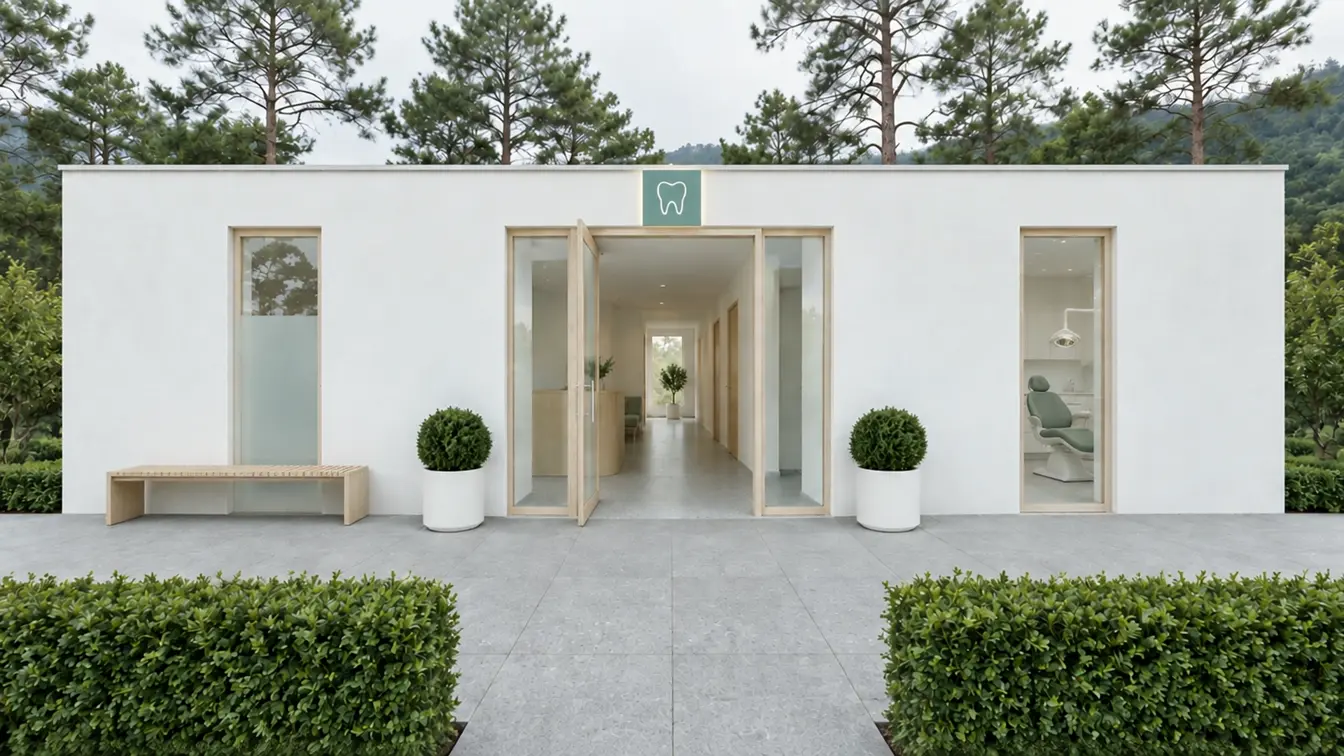
Want a full clinic website like our sample? See clinic websites.
Our dental clinic partners.
See every clinicHow to register.
As a clinic
Open your clinic in the web- Step 1: Open your clinic in the web
- Step 2: Name the clinic, then yourself
- Step 3: Set your hours and fees
- Step 4: Your Dashboard is ready
As a patient
I’m a Patient- Step 1: Tap “I’m a Patient”
- Step 2: Choose a clinic
- Step 3: Pick a service and a time
- Step 4: Your name and mobile, and it is booked